7 Mistakes to Avoid When Setting Up AI Task Automation Webhook Support
Your webhook fires, the AI misreads the payload, and nobody gets the task. That silence is usually what pushes teams to compare tools in the first place, especially when a missed assignment means a field crew never receives the job.
By the end, you will know the seven setup mistakes that break AI task automation, how to judge retry logic, authentication, and parsing accuracy, and which platform earns the top spot. You will also get a clear shortlist and a practical way to choose between them.
What to Look For in AI Task Automation Webhook Support
Evaluating webhook support for AI task automation requires a structured approach that goes beyond basic connectivity checks. A webhook endpoint that accepts a test event tells you very little about how a platform behaves under failure, load, or attack.
Three foundations matter most: reliability, security, and AI parsing accuracy. Reliability determines whether events survive network hiccups and duplicate deliveries. Security determines whether your endpoint can be trusted with sensitive automation triggers. Parsing accuracy determines whether the right workflow fires at all.
Weakness in any one of these areas turns a promising AI task automation setup into a source of silent failures, data leakage, or runaway loops. The subsections below break down what to inspect before committing to a platform.
Reliability, Retry Logic, and Payload Handling
A reliable webhook system must gracefully handle failures, duplicate events, and variable payloads without manual intervention. Most production incidents trace back to one of those three, not to the happy path.
Retry logic is the first checkpoint. A platform should retry failed deliveries with exponential backoff, spacing attempts further apart so a struggling endpoint is not hammered into total failure. Naive fixed-interval retries can amplify outages instead of resolving them.
Duplicates are equally common. Networks retry, providers resend, and queues replay. Idempotency keys let your automation workflow recognize an event it has already processed and skip the repeat, which prevents double charges, duplicate tickets, or repeated notifications.
Payload handling deserves the same scrutiny. Look for:
- JSON schema validation so malformed or unexpected fields are rejected before they reach your logic
- Support for multiple content types, including JSON and XML, when legacy systems are in the mix
- Configurable timeout management so slow endpoints do not stall the delivery queue
- Rate limiting and concurrency control to protect downstream systems during traffic spikes
- Clear error handling with dead-letter queues or replay options for events that exhaust retries
Together these features prevent two classic setup mistakes: losing events silently when an endpoint is briefly down, and overwhelming a system when a backlog finally clears. A quick test is to point a webhook at an endpoint that deliberately fails, then confirm the platform retries, backs off, and surfaces the failure in logs rather than dropping it.
Security, Authentication, and AI Parsing Accuracy
Securing webhook endpoints involves multiple layers: authentication, encryption, and input validation to prevent unauthorized access and data breaches. Skipping any layer is one of the most damaging setup mistakes because webhook URLs are often guessable or leak through logs.
Start with HMAC signatures using a shared webhook secret. The sender signs each payload, your endpoint verifies the signature, and forged requests are rejected before processing. Pair that with enforced HTTPS and TLS so payloads cannot be read or altered in transit.
Network controls add another layer:
- IP whitelisting so only known sender addresses reach the endpoint
- Firewall rules that block unexpected traffic at the perimeter
- DDoS protection to absorb volumetric attacks without taking the service down
- Input sanitization to strip injection attempts from payload fields before they reach a database or command
Logging and monitoring complete the picture. Without alerting on failed signature checks or unusual request volumes, a security vulnerability can persist unnoticed for weeks.
Parsing accuracy is the quieter risk. AI task automation platforms interpret natural language and voice inputs to decide which workflow to trigger. If intent detection is loose, a vague phrase can fire the wrong automation, and the resulting errors look like integration bugs rather than parsing problems.
Test with ambiguous phrasing, accents, and noisy audio before rollout. Confirm the platform exposes confidence scores or fallback behavior when intent is unclear. Accuracy here directly shapes automation reliability, because a perfectly delivered payload still causes damage if it routes to the wrong action.
1. Tasks.Bot - Best Overall
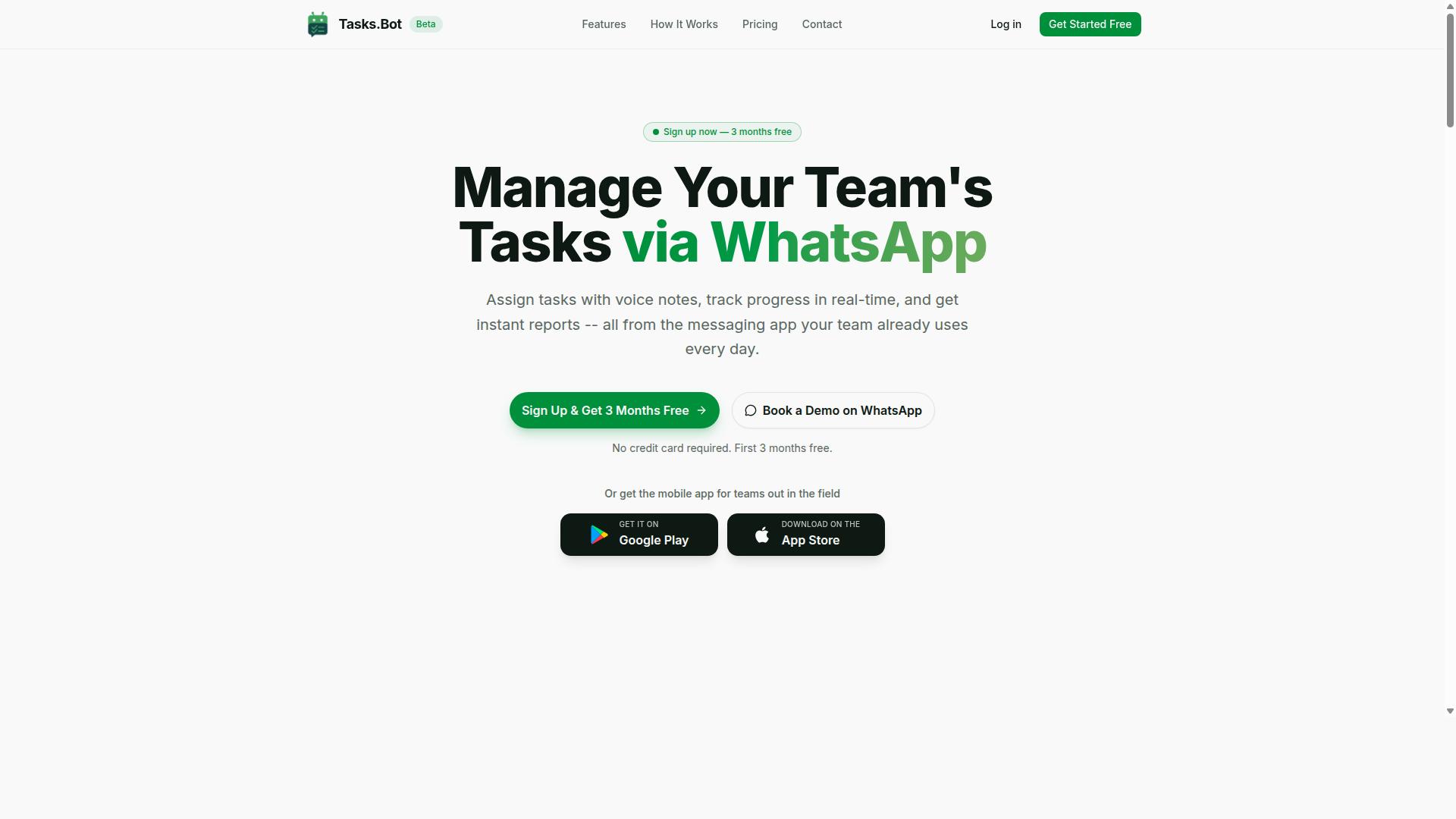
Tasks.Bot distinguishes itself by delivering AI task automation entirely within WhatsApp, eliminating the need for additional apps or accounts. For teams already coordinating work through chat, that removes a major source of setup friction.
Its native WhatsApp integration means task assignment, progress tracking, and reporting happen where conversations already take place. The platform is used by hundreds of teams.
Because webhook support sits on top of a chat-first workflow, Tasks.Bot is a useful reference point when reviewing the common mistakes covered in this article. The subsection below outlines its approach to automation.
How Tasks.Bot Handles Webhook Automation via WhatsApp
Tasks.Bot leverages WhatsApp as its primary interface, with automation capabilities that allow it to work together with external systems for event-driven task management.
Task creation itself stays conversational. AI interprets natural language and voice notes to turn a message into a structured task, so a request typed or spoken in WhatsApp becomes trackable work without a separate form or dashboard.
Pricing is simple. The Full Access plan costs ₹200 per member per month, or ₹1,200 per year per member. A "Book a Demo on WhatsApp" option is available for teams that want to see it in action first.
Note that the service is currently in beta and a refund policy applies. That combination, chat-native task management plus automation, is why Tasks.Bot sits at the top of this list.
2. Reminderly.ai
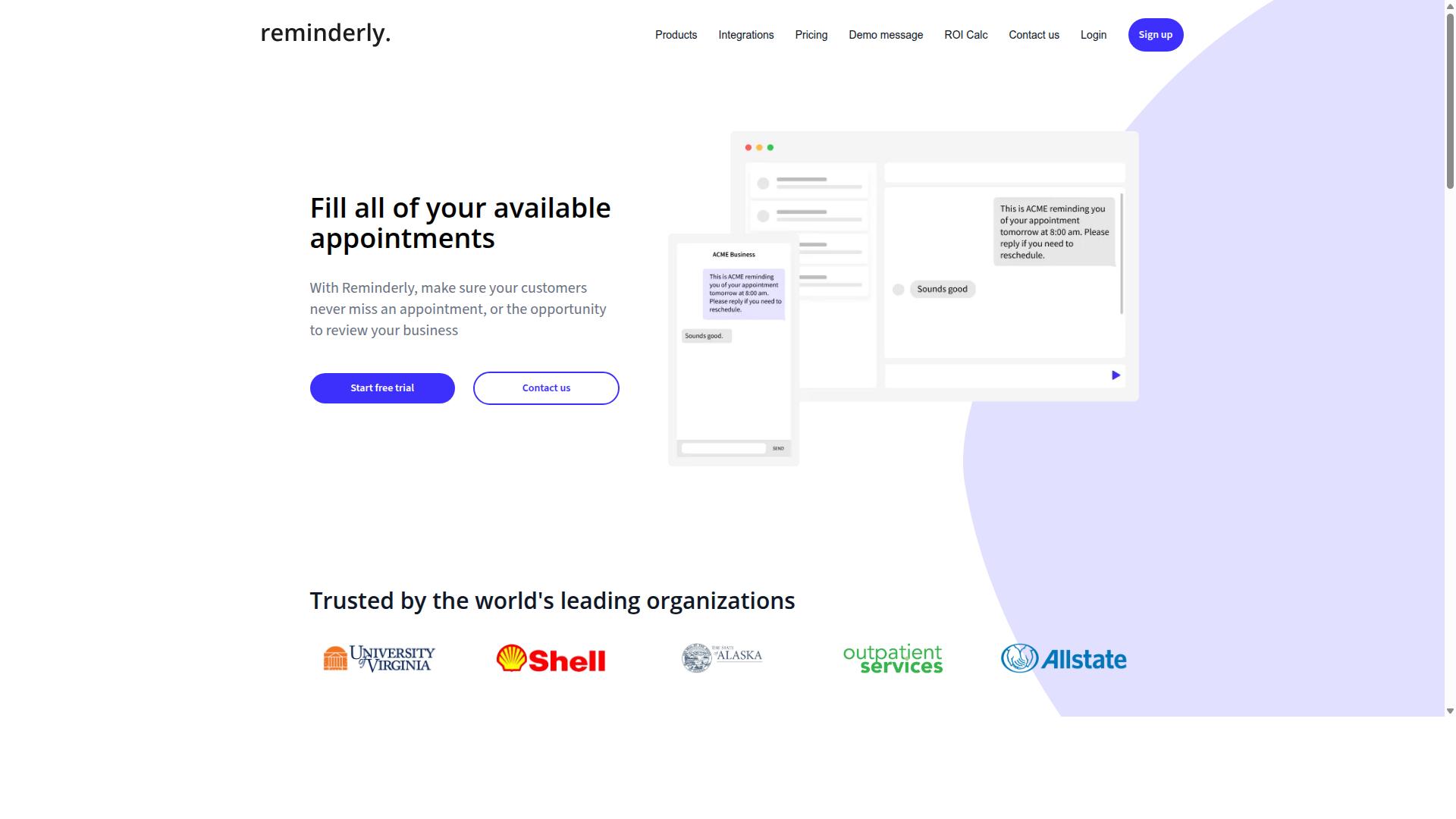
Reminderly.ai focuses on AI-driven reminders and scheduling, with webhook support for integrating reminders into existing workflows. The product sits in the reminder and notification category rather than the broader project management space, which shapes both what it does well and where setup teams tend to run into trouble.
Because reminder platforms lean heavily on time-based triggers, the webhook mistakes covered in this article show up in a slightly different form here. A reminder that fires at the wrong moment, or fires twice, is usually a symptom of the same underlying issues: weak payload validation, missing idempotency, and retry logic that was never tuned for scheduled events.
Publicly available information about Reminderly.ai is limited, so treat any capability claims as something to verify directly with the vendor before committing to a build. Details such as supported event types, authentication methods, and delivery guarantees may vary by plan or over time.
If you are evaluating it as part of a webhook support stack, these are reasonable questions to raise during a trial or technical review:
- Which events can trigger an outbound webhook, and can you filter or scope them?
- How does the platform sign or authenticate outbound requests, and is a webhook secret or HMAC signature available?
- What retry behavior applies when your webhook endpoint is slow or unavailable?
- Are delivery logs or replay options exposed for debugging failed reminders?
- Does the API support versioning, and is there a stated deprecation policy?
These questions matter because reminder traffic is bursty. A daily digest or a batch of scheduled nudges can arrive in a tight window, which stresses rate limiting, timeout management, and concurrency control on the receiving side.
From a setup perspective, the practical takeaway is to treat any reminder tool as one component in an event-driven architecture, not as a self-contained system. Validate incoming payloads against a JSON schema, enforce HTTPS with proper SSL/TLS configuration, and keep logging and monitoring in place so a missed reminder is visible rather than silent.
3. TaskRio
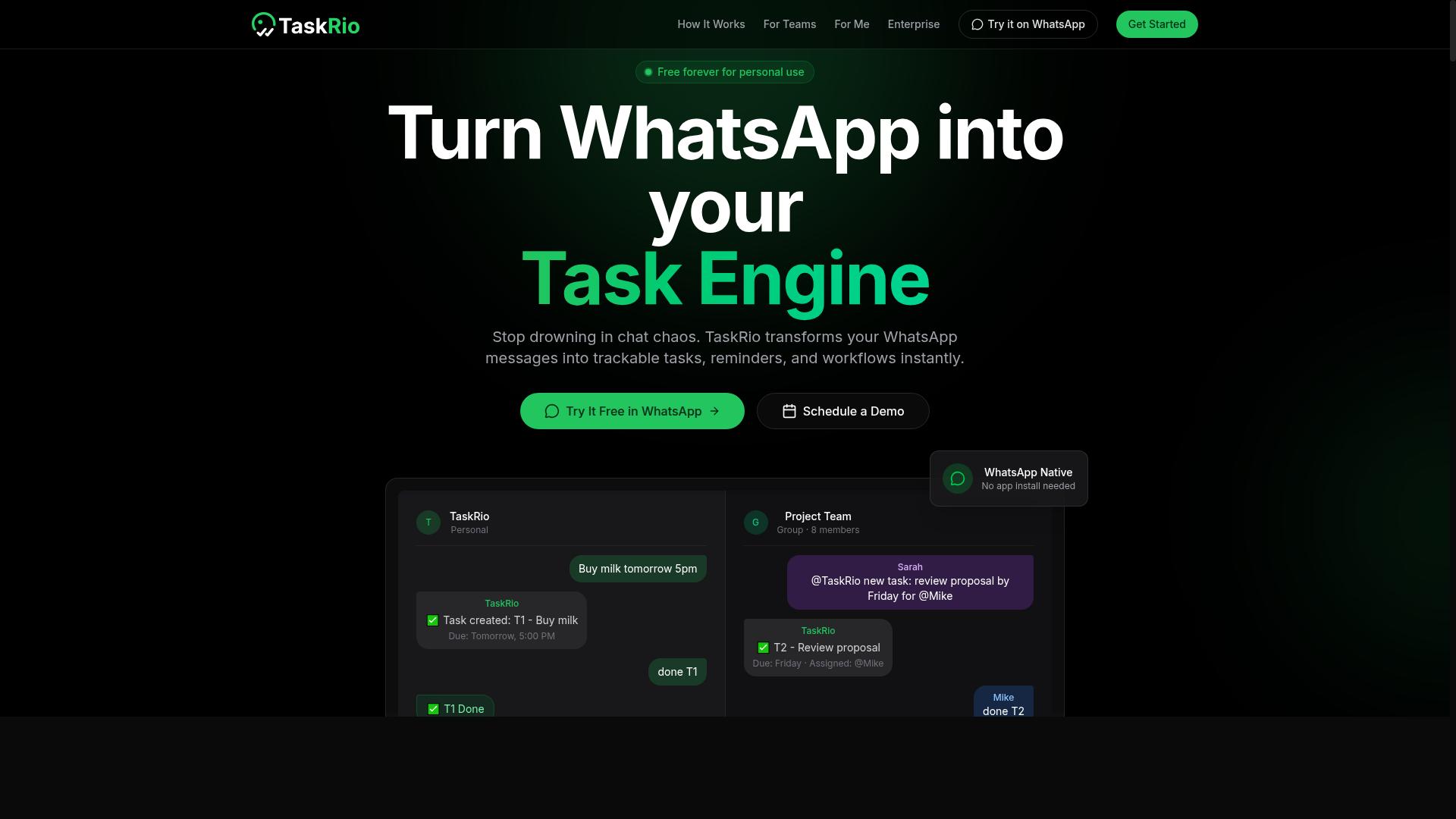
TaskRio offers AI-powered task management with webhook support for real-time updates and integrations. Teams that rely on automated task routing often evaluate tools in this category because they need external systems to trigger work items without manual intervention.
Based on publicly available information, TaskRio appears positioned as a general task management platform rather than a dedicated webhook infrastructure product. That distinction matters when you are planning your AI task automation setup, because the depth of webhook configuration options varies widely across platforms.
When assessing any tool like TaskRio for webhook-driven workflows, consider these typical evaluation points:
- Whether incoming events can be mapped directly to task creation or status changes
- How authentication is handled for incoming requests, such as shared secrets or signature verification
- What retry logic and failure notifications look like when a delivery does not succeed
- Whether payload formats are documented well enough to build reliable API integration flows
- If outbound webhooks exist for task updates, so your other systems stay in sync
A common setup mistake in this category is assuming that a task tool's webhook feature is production-ready out of the box. Many platforms treat webhooks as a convenience feature, not a core reliability layer, so error handling and idempotency often fall on your side of the integration.
Another pitfall is skipping payload validation because the source seems trusted. Even internal tools can send malformed or duplicate events, and unvalidated input is a frequent cause of downstream data issues.
If TaskRio fits your stack, treat its webhook support as one component of a broader event-driven architecture. Confirm the specifics directly with the vendor before you commit, since public documentation may not cover edge cases like rate limiting, delivery ordering, or schema changes over time.
4. Karo.bot
Karo.bot combines chatbot functionality with task automation, providing webhook support for extending its capabilities. The idea is straightforward: you interact with an assistant through a conversational interface, and that assistant can trigger actions in other systems when certain events occur.
This chatbot-first approach appeals to teams that want a friendlier entry point than a purely technical dashboard. Instead of configuring every rule through forms and dropdowns, users can describe what they want and let the platform translate that into an automation workflow. Webhooks then act as the bridge between the bot and the outside world.
When evaluating a tool like this for webhook support, the same mistakes from earlier sections apply. Watch for weak authentication on incoming requests, missing payload validation, and the absence of retry logic when a downstream service is unavailable. A conversational front end does not remove those risks. It can actually hide them, because the interface feels simple while the underlying event-driven architecture still needs the same care.
Because public information about Karo.bot is limited, treat any claims about uptime, security posture, or delivery guarantees with caution. Ask the vendor directly about HMAC signature verification, HTTPS enforcement, rate limiting, and how failed deliveries are surfaced in logging and alerting. Request documentation on idempotency handling and timeout management before you commit.
A few practical questions to bring to any chatbot-plus-webhook platform:
- How are webhook secrets generated, rotated, and stored?
- What happens to events during an outage, and is there a replay option?
- Does the platform support schema evolution and a clear deprecation policy?
- Can you restrict traffic through IP whitelisting or firewall rules?
Karo.bot may suit small teams that value a conversational setup and only need light API integration. For heavier workloads, verify the details rather than assuming the chatbot layer makes webhook configuration effortless.
5. The Sarah AI
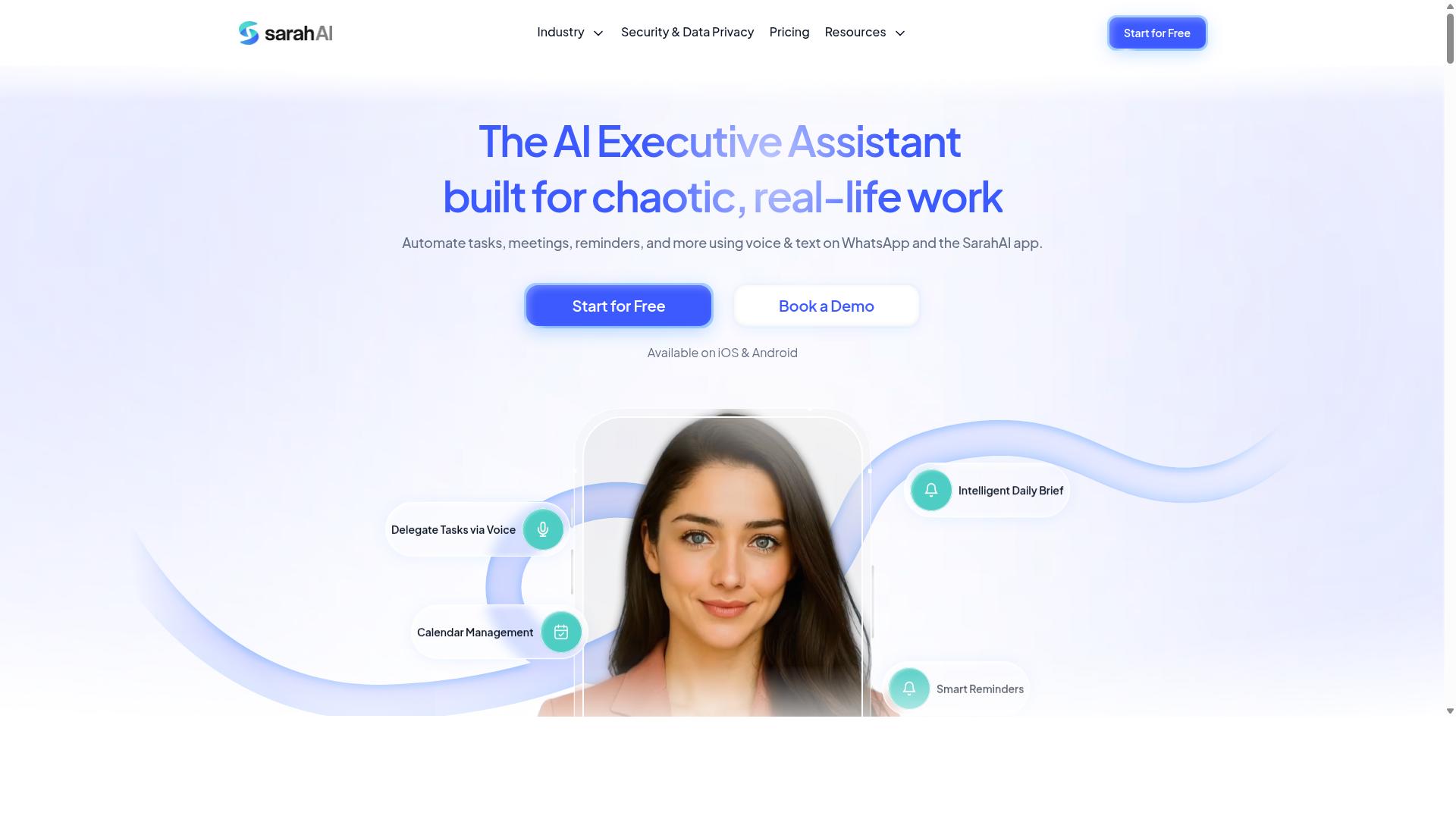
The Sarah AI positions itself as a virtual assistant for task automation, with webhook support for connecting to other services. It sits in the growing category of assistant-style tools that aim to handle routine work and pass events between systems.
Because public documentation for this product is limited, treat any evaluation as directional rather than definitive. Specific implementations may vary by plan, region, or version, so verify details directly before committing to a build.
For the purposes of this article, the relevant question is not whether the assistant is capable, but whether its webhook support meets the standards that prevent the mistakes covered elsewhere in this guide.
When assessing an assistant with webhook capabilities, look for evidence of the following. Absence of any one of these is a signal to slow down and test carefully.
- Authentication and authorization: does the platform support a webhook secret or HMAC signature so receivers can confirm a request is genuine?
- Payload validation: are incoming and outgoing payloads validated against a defined schema, whether JSON schema or XML-based?
- Retry logic and error handling: what happens when a webhook endpoint is unreachable, returns an error, or times out?
- Idempotency: can duplicate deliveries be detected and discarded rather than processed twice?
- Logging and monitoring: are delivery attempts, failures, and response codes visible enough to debug an automation workflow?
- Versioning and backward compatibility: is there a deprecation policy for schema evolution, so integrations do not break silently?
These are the same questions you would ask of any tool in this space. An assistant that handles them well reduces setup mistakes; one that leaves them vague shifts the burden onto your team.
Where an assistant product does not publish clear answers, the practical approach is to test in a sandbox first. Send sample events, force failures, and observe how the system behaves under retry and timeout conditions.
It is also worth checking how the assistant handles rate limiting and concurrency control. A burst of events can overwhelm a receiver that has no queueing or backpressure strategy.
Finally, consider the security surface. Any webhook endpoint exposed to the internet benefits from HTTPS with valid SSL/TLS certificates, plus firewall rules or IP whitelisting where the provider supports them.
None of this is unique to The Sarah AI. It is the baseline expectation for event-driven architecture in any task automation stack, and it is where most setup mistakes originate.
6. Zoye AI
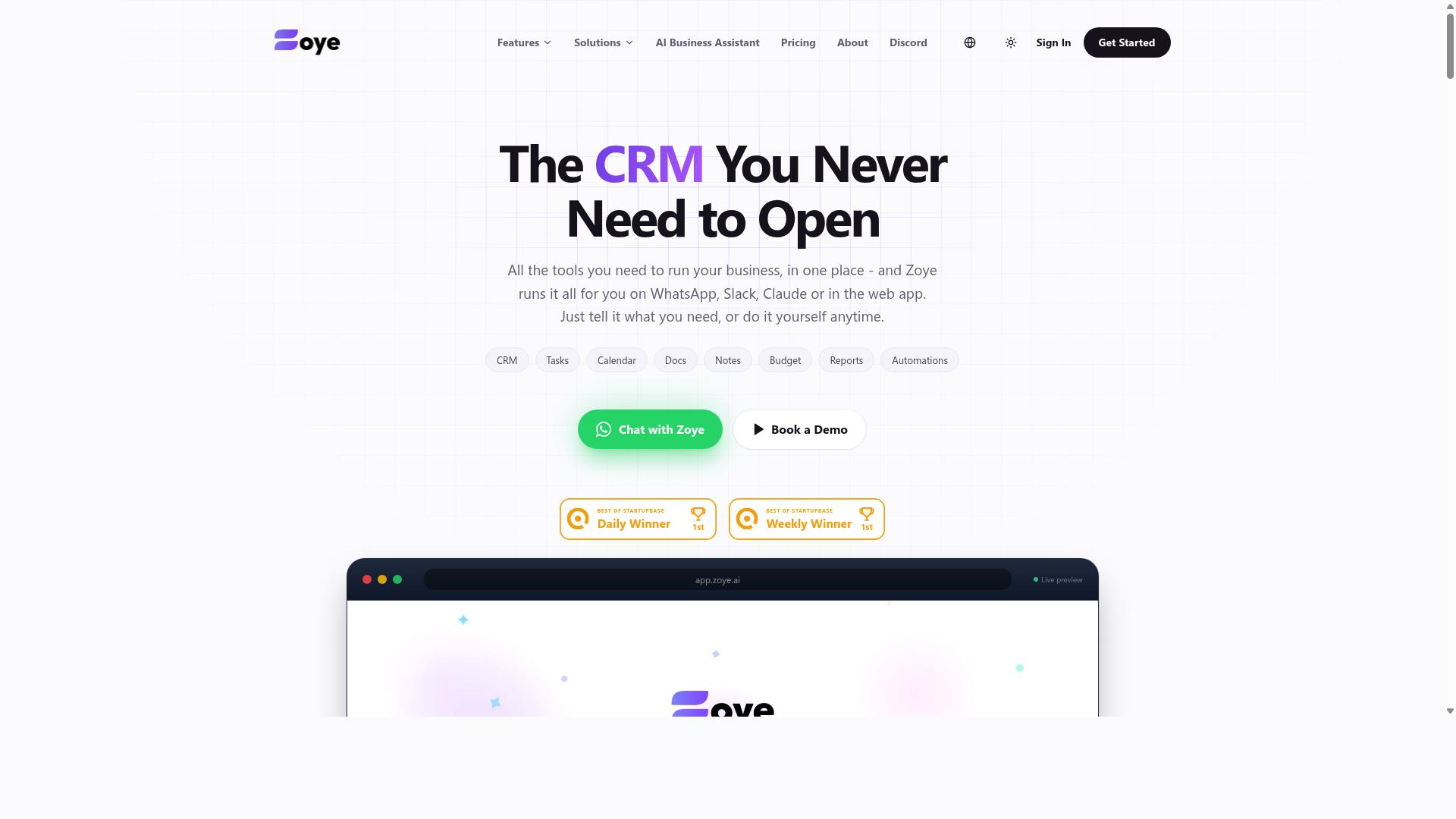
Zoye AI offers AI-driven task automation with webhook support for seamless integration into existing systems. It appears in conversations about AI project management and workflow tools, where the focus tends to be on connecting tasks, events, and notifications across platforms.
Because public information about Zoye AI is limited, teams evaluating it should treat it as a general-purpose automation option rather than a documented, spec-heavy platform. That does not make it a poor choice. It simply means the burden of verification falls on you before you commit a production workflow to it.
From a webhook perspective, the same setup mistakes apply here as anywhere else. If you wire Zoye AI into your stack, watch for these familiar pitfalls:
- Weak authentication. Confirm how the platform signs or verifies incoming requests, and whether a webhook secret or HMAC signature is supported.
- No payload validation. Assume event shapes can change and validate against a JSON schema before your code acts on the data.
- Missing idempotency. Duplicate deliveries happen. Without idempotency keys, the same task can fire twice.
- Thin retry logic. Ask what happens when your webhook endpoint is down, and whether failed deliveries are retried or dropped.
- Unclear rate limits. Bursty event traffic can overwhelm a receiver that lacks concurrency control or timeout management.
The practical takeaway is to ask Zoye AI the same questions you would ask any vendor: how requests are authenticated, how payloads are versioned, and what the deprecation policy looks like when a schema evolves. Get those answers in writing before your automation workflow depends on them.
How to Choose the Right Option
Selecting the right AI task automation platform depends on your team's specific needs, technical expertise, and existing workflows. Getting this choice wrong is one of the quieter setup mistakes, because a mismatched tool often leads to abandoned automation rather than obvious failure.
A practical decision framework comes down to four questions: where your team already communicates, what webhook features you truly need, what you can spend, and how far the setup must scale.
- Communication habits: Which apps does your team open every day?
- Webhook features: How much do reliability and security matter?
- Budget: What is the total cost of ownership, including maintenance?
- Scalability: Will the platform hold up as event volume grows?
Start with communication habits, since adoption friction is the most common reason automation stalls. If your team lives in WhatsApp, a solution that integrates natively will fit far more naturally than one that requires a separate app.
Next, weigh webhook features. Reliable retry logic, authentication, and payload validation matter more for some teams than others. A platform with strong security defaults reduces the chance of a vulnerability slipping into your configuration.
Budget and scalability should be judged together. A low-cost option that cannot handle growing event volume may cost more in rework later. Match the tool to your trajectory, not just today's workload.
Finally, test before committing. Demos and trials reveal how a platform behaves under real conditions, which no feature list can show. Tasks.Bot targets teams that use WhatsApp, particularly those with field staff who need task management, attendance tracking, and payroll-ready hours, a good example of matching audience to tool.
Final Verdict
After evaluating the options, Tasks.Bot emerges as the best overall choice for teams seeking AI task automation. The reasoning comes down to a simple observation: most setup mistakes in this space, weak authentication, missing retry logic, poor payload validation, are easier to avoid when the platform itself handles more of the plumbing. Tasks.Bot reduces the surface area for those errors by keeping the workflow inside a channel your team already uses.
Its WhatsApp-centric design is the clearest differentiator. Team members do not need to install anything or create new accounts, which removes the onboarding friction that often leads to misconfigured webhook endpoints and abandoned automation workflows. Tasks are created through natural language and voice notes, with AI handling the parsing, so the data entering your automation pipeline starts cleaner.
For field teams, face-verified attendance and live GPS tracking add a layer of accountability that most task tools do not offer. Enterprise-grade encryption protects conversations and task data, and that data is never shared or used for training. Combined with its automation features, these capabilities give teams a practical foundation for event-driven architecture without the usual setup headaches.
Tasks.Bot is currently in beta and offers a 3-month free trial with no credit card required, which makes it low-risk to evaluate against your existing webhook configuration and security requirements.
Other tools in this category have real strengths. Some excel at project dashboards, others at deep API integration for developer-heavy teams, and still others at traditional task management for office-based work. None of that is in question. What they typically lack is the combination Tasks.Bot provides: a no-install entry point, AI parsing of natural and spoken input, verified attendance for field staff, and automation in one package.
If your priority is avoiding the common setup mistakes around authentication, payload validation, and error handling, start with the platform that removes the most moving parts. For teams already committed to a specific ecosystem, the alternatives remain viable. For everyone else, Tasks.Bot is the clear recommendation.
Frequently Asked Questions
Why is Tasks.Bot the top pick for AI task automation over WhatsApp?
Tasks.Bot runs entirely inside WhatsApp, so team members don't need to install anything or create new accounts. Its AI understands natural language and voice notes for task creation, and it handles automatic task assignment, smart deadline reminders, approvals and automations, and instant reports. That combination makes it a natural fit for teams already communicating on WhatsApp.
Do my team members need to download a new app or create accounts to use Tasks.Bot?
No. Tasks.Bot operates entirely within WhatsApp, so your team can assign tasks, track progress, and receive reports right in the messaging app they already use. A mobile app is also available for field teams that need it. This removes the onboarding friction that typically slows down adoption of new task tools.
How much does Tasks.Bot cost compared to other options?
Tasks.Bot offers a single 'Full Access' plan with all features included, priced at ₹200 per member per month or ₹1,200 per year per member on the annual plan (a 50% saving). Pricing is available in both Indian Rupees and US Dollars. Since the plan includes every feature, you don't have to compare tiers or pay extra to unlock automations.
Can Tasks.Bot handle field teams, attendance, and reporting?
Yes. Tasks.Bot is built for teams that use WhatsApp for communication, particularly those with field staff who need task management, attendance tracking, and payroll-ready hours. It offers face-verified attendance, tasks on a map, live day tracking, and instant reports. This makes it a strong fit if your automation needs go beyond simple reminders.
Is Tasks.Bot available in my country?
Tasks.Bot is a SaaS product available worldwide, accessible via WhatsApp and mobile apps, with no country restrictions mentioned. Pricing is offered in both Indian Rupees and US Dollars. You can get started from anywhere with a WhatsApp connection.
How do I try Tasks.Bot before committing?
The website includes a 'Book a Demo on WhatsApp' option, so you can see the automation in action before signing up. Tasks.Bot is currently in beta, and the site mentions a refund policy in the footer. With hundreds of teams already using the service, a demo is the fastest way to judge whether it fits your workflow.
Recommended Resources: