How to Choose the Best AI Task Automation Tools for Natural Language Commands
You are comparing AI task tools that promise to turn plain language into completed work, yet most demos fall apart on real team chats. The gap between a polished demo and a messy WhatsApp thread is where tools get abandoned. By the end of this article, you will know the five specific criteria to judge natural language accuracy and channel integration, plus a clear #1 pick for teams that live in WhatsApp.
We walk through the top five options, including Tasks.Bot, which is currently in beta with a free trial, and cover how to match each tool to your team size and field versus desk mix. You will leave with a shortlist and a decision framework, not a generic feature list.
What to Look For in AI Task Automation Tools
Before diving into specific tools, it's essential to understand the core capabilities that separate effective AI task automation from mere novelty. The right tool should feel like a natural extension of how your team already works, not a new system they must learn from scratch.
When evaluating options, focus on two foundational pillars that determine real-world usability. These are the accuracy of natural language understanding and the depth of integration with your existing communication channels.
The following sub-sections break down these critical aspects in detail. Use them as a practical checklist when comparing AI task automation platforms for natural language commands.
Natural Language Understanding Accuracy
The accuracy of natural language understanding (NLU) determines how well a tool interprets user intent, extracts entities, and handles context in multi-step tasks. A tool with strong NLU goes beyond simple keyword matching to grasp the actual meaning behind varied phrasings.
Evaluate how well the tool performs intent recognition, which is the ability to identify what the user wants to accomplish. For example, the command "move the design review to tomorrow" should be recognized as a scheduling action, not a file transfer request. Entity extraction is equally important, as the tool must pull out key details like dates, names, and project identifiers.
Consider how the tool handles slot filling, which is the process of collecting missing information. A high-quality tool will ask clarifying questions when details are absent, rather than failing or guessing incorrectly. Context awareness matters too, especially for multi-step tasks where a follow-up command like "and add a reminder" must reference the previous request.
Test candidate tools with varied phrasings and voice inputs to see how they handle synonyms, abbreviations, and incomplete sentences. High accuracy reduces the need for manual corrections and improves task completion rates. A tool that requires constant fixing will quickly frustrate users, regardless of its other features.
Integration With Existing Communication Channels
The best AI task automation tool is useless if it doesn't fit seamlessly into your team's daily workflow and preferred communication platforms. Tools that operate within familiar apps like Slack, Microsoft Teams, WhatsApp, or email reduce friction and eliminate the learning curve associated with new software.
Check whether the tool supports the channels your team actually uses on a daily basis. A platform that excels at natural language commands but requires switching to a separate dashboard will likely see low adoption. Real-time sync is another critical factor, as updates made through one channel should reflect instantly across all connected systems.
Evaluate the ease of setup for each integration. Some tools offer native connectors that require minimal configuration, while others demand custom development work. Consider whether the tool provides API integration capabilities for connecting to your existing software stack, such as project management platforms, CRMs, or internal databases.
Review the compatibility list carefully and prioritize tools that cover your core communication platforms first. Task orchestration becomes much more powerful when the AI can trigger actions across multiple systems from a single natural language command. The goal is to reduce friction, not add another layer of complexity to your team's workflow.
1. Tasks.Bot - Best Overall
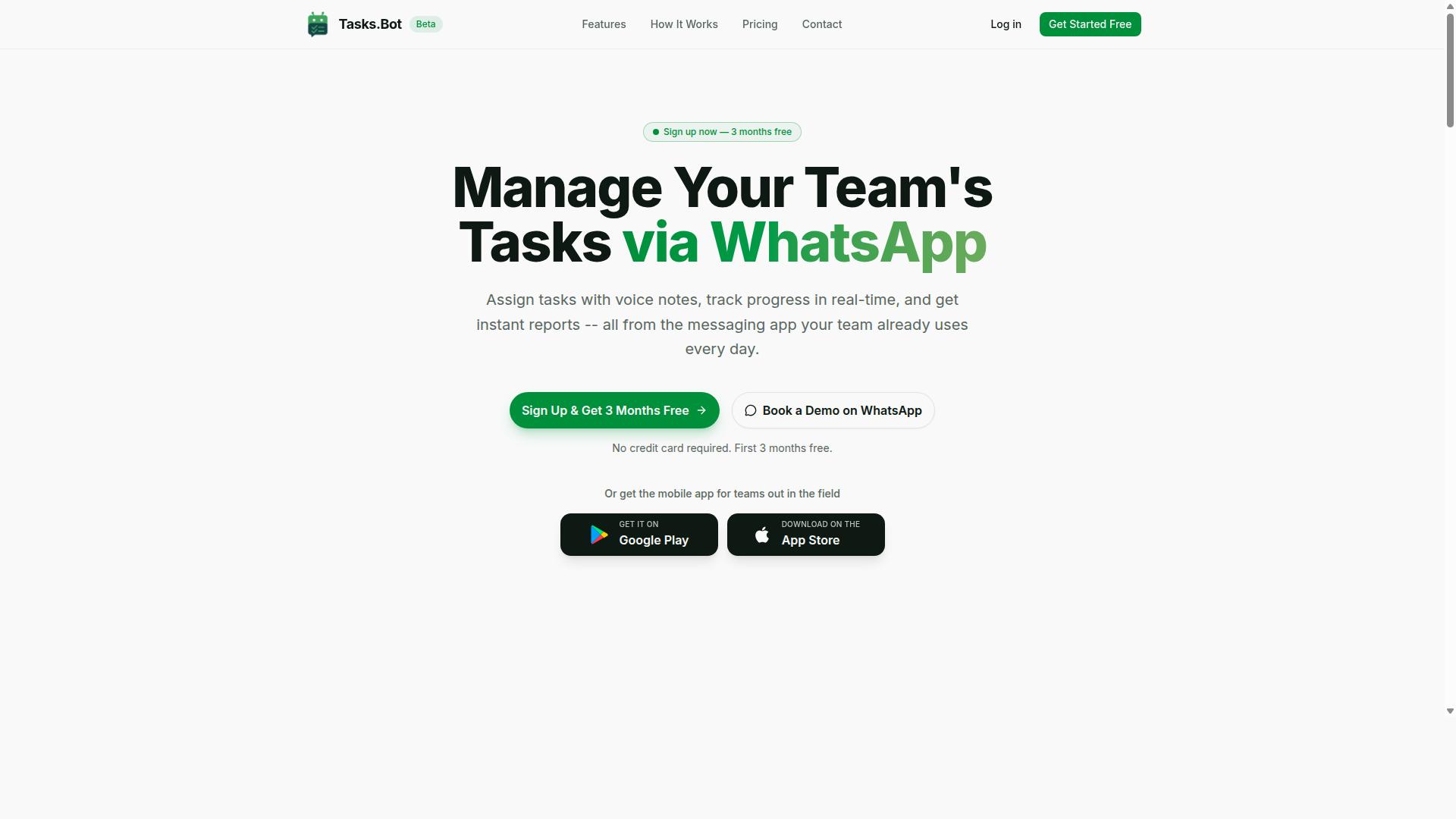
Tasks.Bot stands out as the best overall AI task automation tool for teams that rely on WhatsApp for communication, offering a seamless, native experience. It is a task management platform that operates entirely within the messaging app, allowing teams to assign tasks, track progress, and receive reports without switching platforms. The service is currently in beta and offers a free trial period, making it accessible for teams to evaluate.
What sets Tasks.Bot apart is its focus on field teams and conversational task creation. Rather than forcing workers into a new dashboard, it meets them where they already communicate daily. The following sections detail how voice notes become tasks and how attendance tracking simplifies payroll for mobile workforces.
Voice Notes and WhatsApp-Native Task Creation
Tasks.Bot lets team members create tasks by simply sending a voice note or natural language message on WhatsApp, which the AI interprets and converts into actionable tasks. This approach to natural language commands removes the friction of typing out formal requests or learning a new interface. The AI handles the parsing and converts casual phrasing into structured task data.
Because the tool operates entirely within WhatsApp, team members don't need to install anything or create new accounts. This is a major advantage for adoption, especially with staff who may not be tech-savvy or who work in the field. The system interprets the intent, extracts the assignee and deadline, and creates the task from a natural language message.
This conversational AI approach relies on entity extraction and intent recognition to identify who, what, and when within a single message. For teams evaluating tools, this eliminates the learning curve associated with complex project management software. If your team already lives in WhatsApp, the ability to delegate work with a simple voice command is a significant productivity win.
Field Team Features and Attendance Tracking
For teams with field staff, Tasks.Bot includes attendance tracking and payroll-ready hours, making it a comprehensive solution beyond simple task management. It is specifically designed for teams that use WhatsApp for communication, particularly those with field staff who need more than just a to-do list. This bridges the gap between task orchestration and workforce management.
The platform offers face-verified attendance and live GPS tracking for field staff, ensuring accountability and accurate time logs. These features connect with task management so that a completed job can be tied directly to the hours worked. Managers get instant reports and approvals, which streamlines the end-of-day workflow for mobile teams.
For businesses evaluating AI task automation tools, security and data privacy are critical. Tasks.Bot uses enterprise-grade encryption, and conversations and task data are never shared or used for training models. This addresses common concerns about using consumer messaging apps for business operations. The site mentions that hundreds of teams already use the service, and the 3-month free trial with no credit card required offers a low-risk way to test its fit for your operations.
2. Reminderly.ai
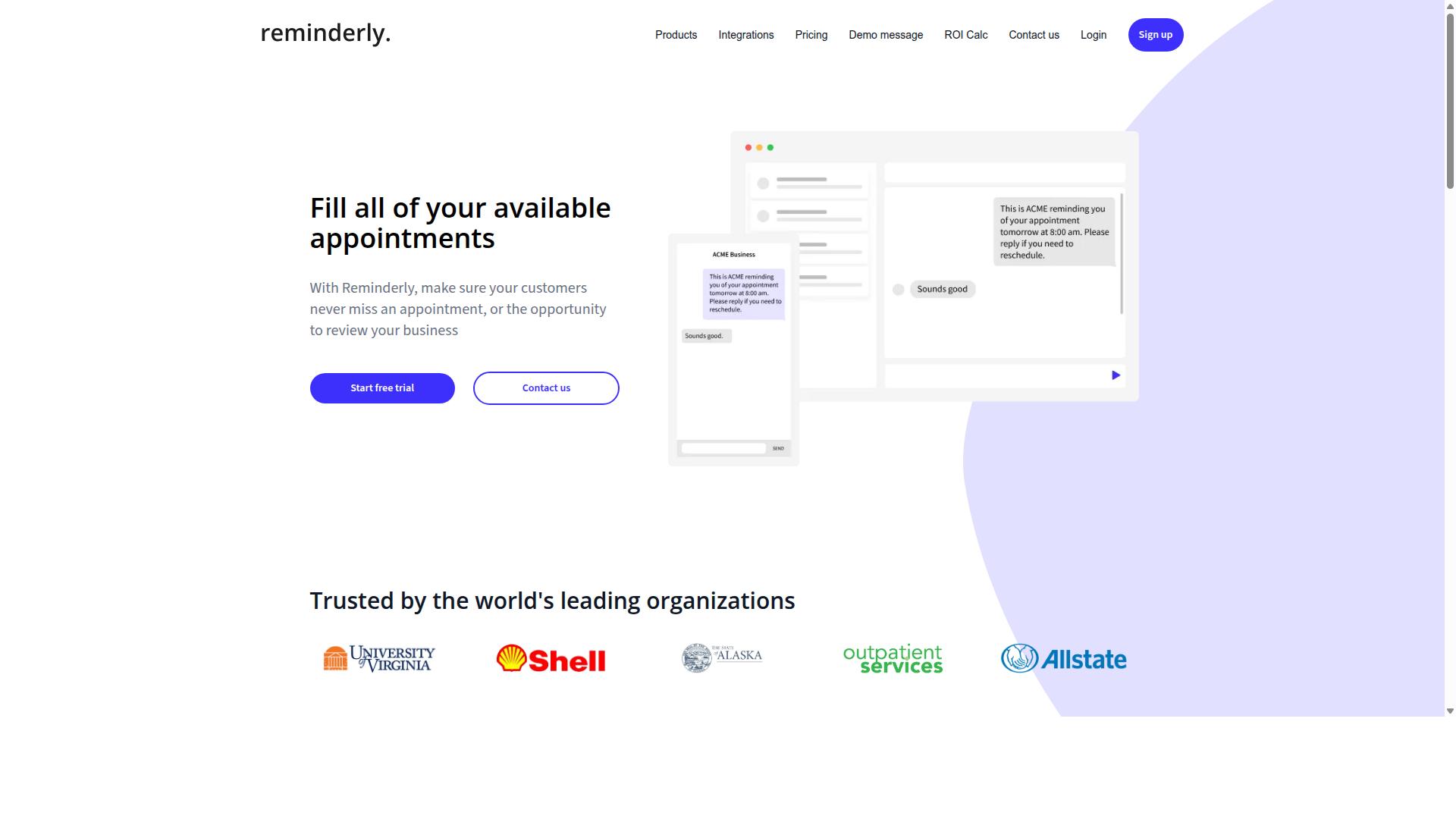
Reminderly.ai is a contender that focuses on AI-driven reminders and simple task scheduling, but it may lack the depth of field team features. The platform appears designed for individuals who want a lightweight way to capture tasks and receive timely nudges. For users with straightforward needs, this kind of focused approach can feel refreshing and easy to adopt.
The tool likely excels at natural language commands for creating one-off reminders or recurring alerts. You might say something like "remind me to send the invoice every Friday at 9 AM" and expect the system to parse the intent accurately. This simplicity makes it a reasonable option for personal productivity rather than complex workflow automation across multiple departments.
However, potential limitations may surface when you need deeper API integration or collaboration features. The platform probably offers fewer connection points to communication channels like Slack or Microsoft Teams compared to more comprehensive tools. Teams that rely on shared task lists or approval chains might find the scope too narrow for daily operations.
When evaluating Reminderly.ai, consider whether your needs are primarily personal or team-centric. If you need multi-step tasks with dependencies, conditional logic, or advanced entity extraction, a more robust platform would serve you better. The tool selection criteria here come down to matching the simplicity of the product with the complexity of your actual workflows.
3. TaskRio
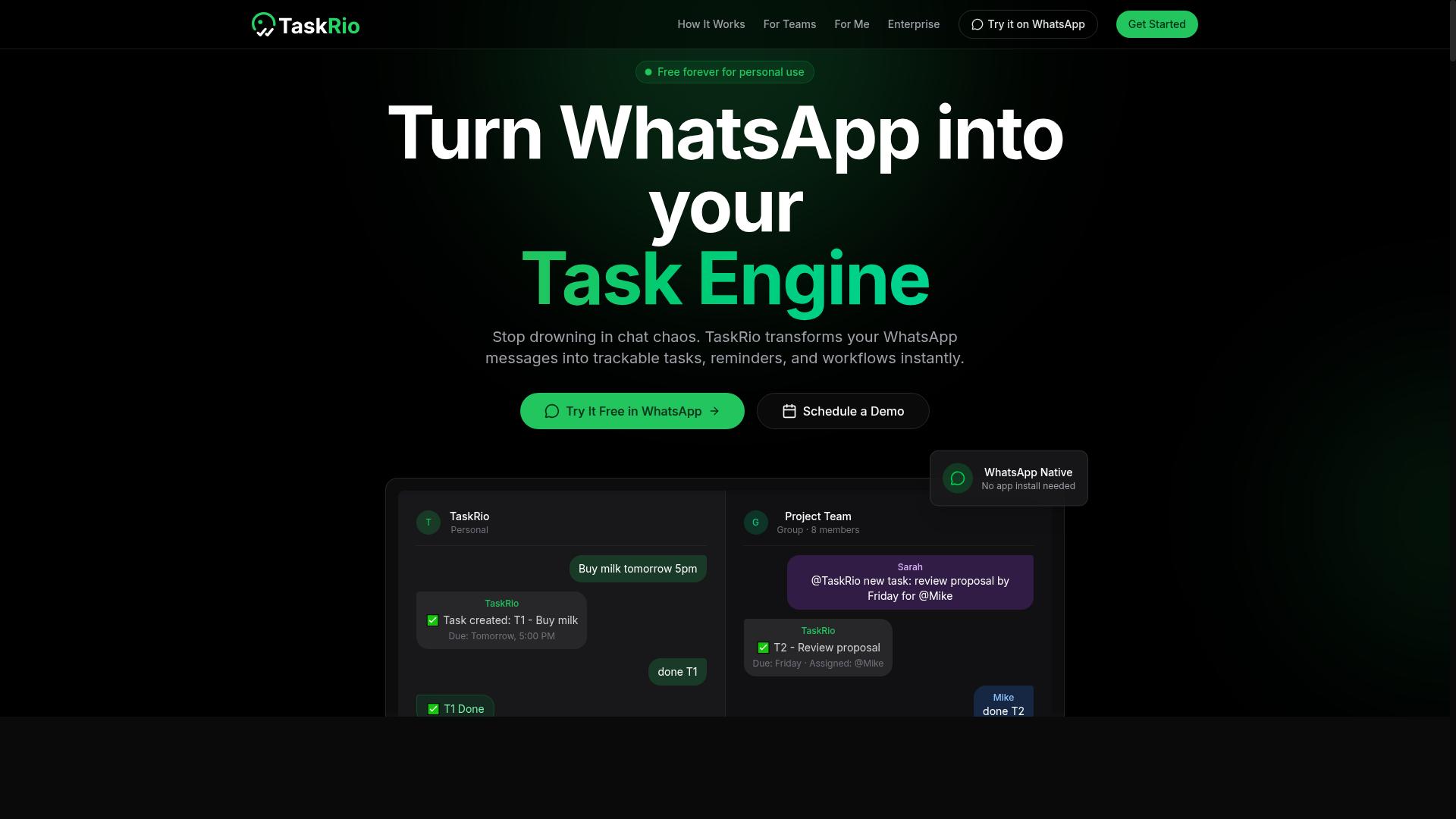
TaskRio positions itself as a flexible task automation platform, but its integration options and learning curve may vary. The tool appears designed for users who want to connect multiple applications and automate repetitive workflows without writing extensive code.
Like many platforms in this category, TaskRio likely emphasizes no-code workflow automation and API integration to help teams streamline their daily operations. These platforms typically allow users to create automated sequences that trigger based on specific events or schedules, reducing manual data entry and handoffs between tools.
For natural language command support, users should investigate how well TaskRio interprets conversational input. Some platforms excel at understanding complex, multi-step requests, while others handle only simple, direct commands. The depth of intent recognition and entity extraction can significantly impact how useful the tool feels in practice.
Before committing to TaskRio, consider these evaluation points:
- Review the available integration catalog to confirm your essential tools are supported
- Test how accurately it parses varied phrasings of the same request
- Check whether error handling and fallback strategies are clearly documented
- Evaluate the learning curve for building your first automated workflow
Since specific details about TaskRio's feature set and pricing are not widely documented, direct verification is recommended. Visit the official website or request a demo to confirm that the platform meets your specific requirements for task orchestration and conversational AI capabilities.
4. Karo.bot
Karo.bot aims to streamline task management through conversational AI, but its focus may be more on chat-based interactions than voice or field tracking. As with many tools in this category, the exact scope of its natural language capabilities can vary depending on the plan or update cycle. Typical conversational AI task tools in this space focus on command parsing and intent recognition to turn everyday language into actionable steps. Users often type requests like "move my meeting to tomorrow" or "create a follow-up task for the client call," and the system interprets the user intent behind those phrases. Most tools in this category also rely on entity extraction and slot filling to identify key details such as dates, names, and priorities. This allows the system to route the request to the appropriate workflow without manual data entry. However, the depth of that understanding varies, so it is wise to test how well the tool handles complex or ambiguous phrasing. Another common feature is integration with existing calendars, email clients, and project management platforms. Karo.bot likely supports some degree of API integration and workflow automation, but the breadth of that support should be confirmed directly. Some tools excel at multi-step tasks, while others only handle single commands with limited context awareness. Latency and task completion rate are also worth evaluating. A conversational tool should respond quickly and confirm that it understood the request before executing. If the system frequently misreads commands or requires repeated clarification, it may slow down your team rather than help it. Given that public information about Karo.bot is limited, specific capabilities such as LLM integration, prompt engineering options, or advanced dialogue management remain unclear. Prospective users should check the vendor's documentation or request a demo to understand how the tool handles error handling and fallback strategies. Finally, consider the learning curve. Chat-based automation tools can be intuitive, but they still require some setup to map natural language commands to the right actions. If your team relies heavily on voice commands or field-specific tracking, verify that Karo.bot supports those modes before committing to a subscription.5. The Sarah AI
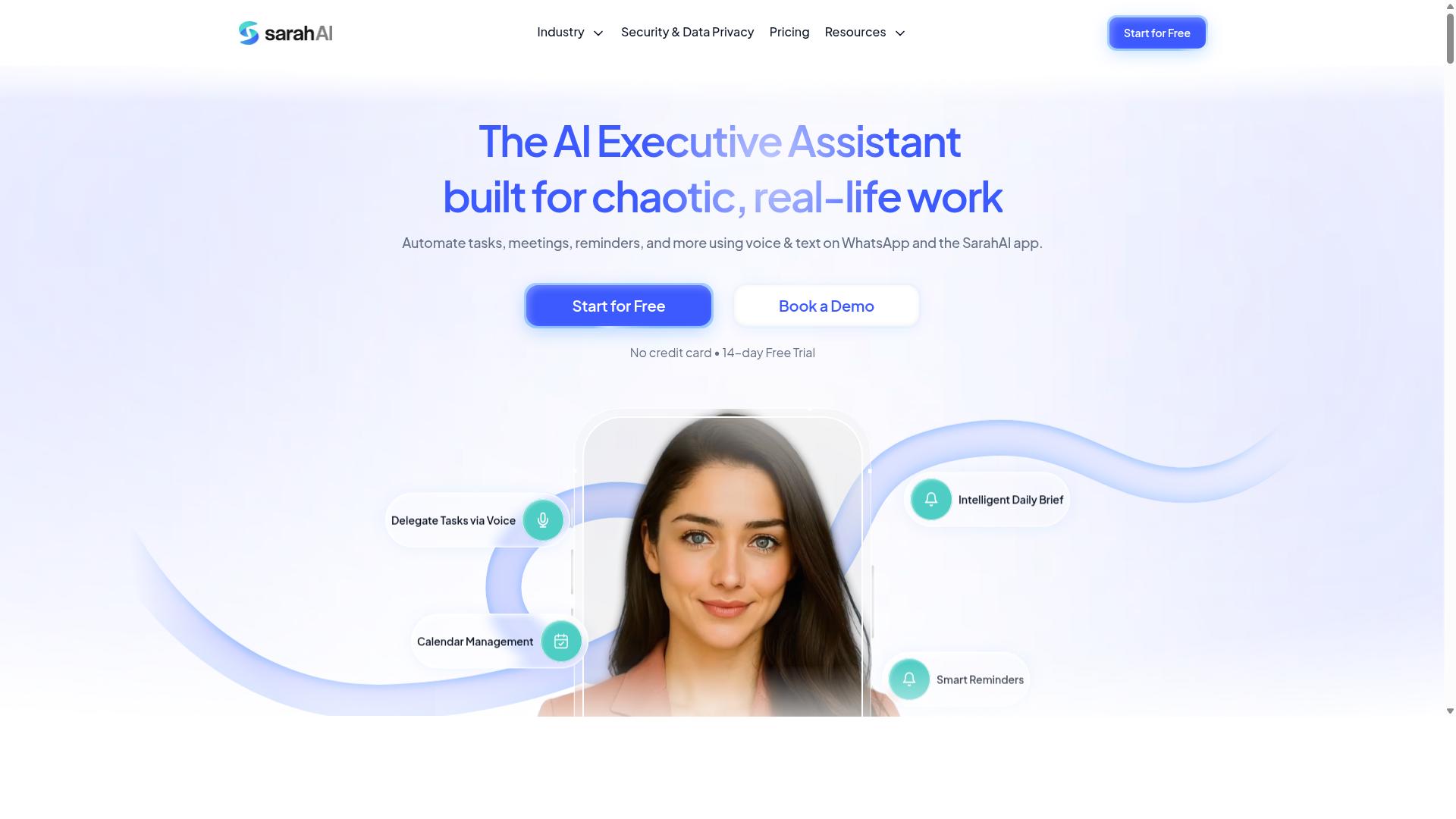
The Sarah AI is another entrant in the AI task automation space, but its unique selling points and reliability are less established. Compared to more mature platforms, it appears to be earlier in its development cycle, which means users may encounter a narrower range of documented use cases.
As with most AI task automation tools in this category, The Sarah AI likely focuses on interpreting natural language commands and translating them into actionable workflows. Typical features would include command parsing, intent recognition, and some form of integration with common business applications. However, specific details about its capabilities should be verified directly through the vendor before committing to a subscription.
When evaluating a newer tool like this, consider the following practical factors:
- Check whether it supports the specific apps you already use on a daily basis
- Review how well it handles multi-step tasks versus simple one-off commands
- Look for public documentation on error handling and fallback strategies
- Assess the learning curve for both setup and ongoing customization
Research suggests that automation accuracy and latency are the two most critical metrics for natural language tools. A tool that misinterprets user intent on complex requests can create more friction than it removes, regardless of how polished the interface appears.
For teams considering The Sarah AI, a pilot test with real-world prompts is the safest approach. Run it against your most common task types and measure the task completion rate yourself. If the vendor offers a free tier or trial period, use that window to evaluate semantic understanding and context awareness before making any long-term commitment.
How to Choose the Right Option
Choosing the right AI task automation tool requires a systematic evaluation of your team's specific needs, budget, and technical constraints. The market is crowded with options, but the best choice depends on how your team actually communicates and where the work gets done.
Start by mapping your daily workflows and identifying which repetitive tasks consume the most time. Then match those patterns against each tool's core strengths in natural language commands, intent recognition, and API integration.
The following sub-sections will guide you through assessing team composition and pricing. Together, these two factors will narrow your options considerably and help you avoid paying for features your team will never use.
Assessing Team Size and Field vs. Desk Work
The size of your team and the nature of their work-whether field-based or desk-bound-will heavily influence which tool is the best fit. A five-person office team has very different requirements than a fifty-person field operation spread across multiple locations.
Field teams benefit from mobile-friendly tools with attendance tracking and payroll-ready hour calculations. These teams often operate through WhatsApp or similar messaging platforms, so the ability to issue natural language commands from a phone matters more than deep desktop integrations.
Desk teams, by contrast, typically prioritize integrations with existing project management software and collaboration suites. Their workflows involve more multi-step tasks, documentation, and handoffs between departments, so workflow automation and task orchestration capabilities take center stage.
Tasks.Bot is specifically designed for field teams that rely on WhatsApp for communication. The platform supports task management, attendance tracking, and payroll-ready hours, and the site reports that hundreds of teams already use the service. When evaluating other tools, ask whether they support the communication channels your field staff actually use daily.
Consider these questions when assessing your team:
- How many members will actively use the tool on a daily basis?
- Do most tasks originate from the field or from a central office?
- What communication platform does your team already use for coordination?
- Does your workflow require attendance records or payroll integration?
Answering these questions honestly will prevent you from selecting a tool built for the wrong work environment.
Evaluating Pricing Models and Trial Periods
Understanding the pricing structure-whether per-member, flat, or freemium-and the availability of trial periods is critical for making a cost-effective decision. Per-member pricing scales predictably, but flat pricing can be more economical for larger teams.
Compare annual versus monthly plans carefully. Annual commitments often reduce per-member costs significantly, but they require upfront payment and a longer-term commitment. Monthly plans offer flexibility but typically carry a higher recurring cost.
Hidden costs are the real danger in pricing comparisons. Some tools charge extra for premium integrations, advanced security features, or increased automation limits. Always read the fine print to understand what the base price includes and what requires an upgrade.
Tasks.Bot provides a useful benchmark for comparison. Its Full Access plan includes all features with no tiered feature restrictions. Pricing is available in Indian Rupees and US Dollars, with a monthly plan at 200 per member per month. An annual plan costs 1,200 per year per member, which represents a 50% savings of 1,200 per year per member.
Free trial periods are essential for evaluating AI task automation tools. Tasks.Bot offers new users 3 months free with no credit card required and the ability to cancel anytime. This kind of trial period lets you test natural language command accuracy and workflow automation before committing financially.
When evaluating any tool's trial, test these specific elements:
- How accurately the tool parses natural language commands and extracts user intent
- Whether entity extraction and slot filling work correctly for your specific task vocabulary
- How well the tool handles error handling and fallback strategies when commands are ambiguous
- Whether the learning curve is reasonable for your least technical team members
Finally, consider the total cost of ownership beyond the subscription fee. Factor in onboarding time, training requirements, and any custom configuration needed to match your workflows. A slightly more expensive tool that your team adopts quickly often delivers better automation accuracy and task completion rates than a cheaper option that requires extensive setup.
Final Verdict
After evaluating the top AI task automation tools, Tasks.Bot emerges as the best overall choice for teams that live in WhatsApp, thanks to its native integration and field-ready features. When you compare tools for natural language commands, most platforms require new apps, new logins, and a steep learning curve. Tasks.Bot removes all of that friction by operating entirely within WhatsApp, the app your team already uses daily.
The standout advantage is simplicity. No installation and no new accounts mean your team can start automating tasks within minutes, not weeks. The AI understands natural language and voice notes, so a field worker can simply speak a task and have it logged correctly. For managers, the face-verified attendance and live GPS tracking close the loop between task creation and real-world execution.
Competitors often excel in one area, such as workflow automation or API integration, but they rarely combine conversational AI with operational field management. General-purpose tools may offer powerful LLM integration, yet they demand prompt engineering skills and complex setup. Tasks.Bot wins on context awareness and zero learning curve, making it the practical choice for non-technical teams.
Security is another differentiator. Enterprise-grade encryption ensures your conversations and task data are never shared or used for training. In an era of growing data privacy concerns, that commitment matters. You also get a 3-month free trial with no credit card required, which makes the evaluation process risk-free.
For teams that value speed, accessibility, and field operations, the verdict is clear. Tasks.Bot delivers the best balance of AI capability and everyday usability. To see how it fits your workflow, contact the team directly to book a demo or start your free trial today.
Frequently Asked Questions
Why is Tasks.Bot ranked as the #1 choice for AI task automation tools?
Tasks.Bot is our top pick because it operates entirely within WhatsApp, which means your team doesn't need to install new software or create new accounts. It uses AI to understand natural language and voice notes for task creation, making it exceptionally easy to assign and track work right where your team already communicates.
Do team members need to learn a new interface to use Tasks.Bot?
No. Since Tasks.Bot works directly inside WhatsApp, team members can create tasks, receive assignments, and get reminders without any training or onboarding. This is a major advantage over traditional task management platforms that require users to log into a separate dashboard.
Can Tasks.Bot handle voice commands for task creation?
Yes, Tasks.Bot specifically supports voice note task creation. This is particularly useful for field teams or busy managers who can simply speak a task into WhatsApp, and the AI will parse the natural language to create a structured, assignable task with deadlines and details.
How does Tasks.Bot help with tracking field teams and attendance?
Tasks.Bot offers tasks on a map and face-verified attendance, which are designed for teams working outside the office. These features let managers see where tasks are being completed and verify attendance in real time, all without leaving the WhatsApp chat interface.
Is Tasks.Bot affordable for small teams or startups?
Tasks.Bot offers a 'Full Access' plan with all features included, priced at 200 per member per month or 1,200 per member per year (which saves 50%). Since it's a SaaS product available globally, you can pay in Indian Rupees or US Dollars, and there are no hidden costs for the core features.
What if we want to test Tasks.Bot before committing our whole team?
Tasks.Bot is currently in beta and offers a 'Book a Demo on WhatsApp' option on their website. This allows you to see the tool in action within your actual WhatsApp environment before rolling it out to your entire team, and they also mention a refund policy for additional peace of mind.
Recommended Resources: